What are the lender tools?
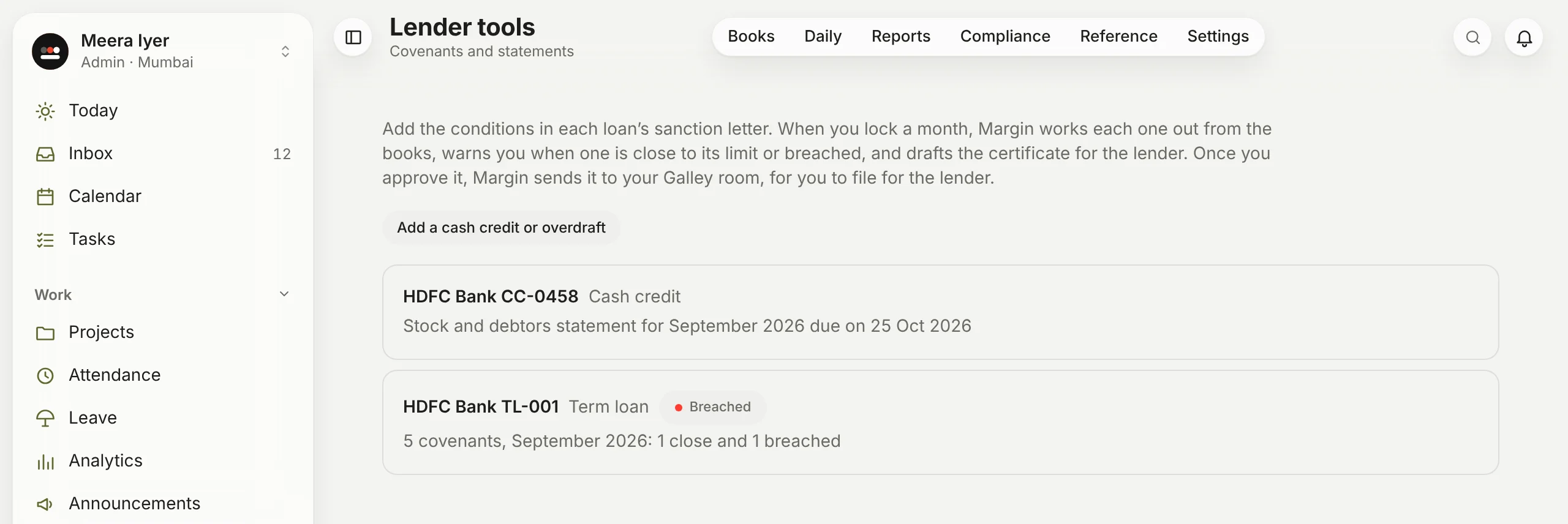
The papers a bank asks for after it has lent to you, worked out from your books. Open Lender tools in the menu, or click Covenants and statements on a loan in Books → Loans. Every loan in the loans register is listed, with its kind and where it stands. Click one to open it:
- Covenants: the conditions in the sanction letter, such as a minimum cash balance or a DSCR. When you lock a month, Margin works each one out from the books, warns you when one is close to its limit or breached, and drafts the covenant certificate for the lender.
- Stock and debtors statements: for a cash credit or overdraft, one a month. You type in the stock; Margin takes trade creditors, debtors and what's outstanding from the books and works out the drawing power.
Each is a draft until someone approves it, and each downloads as an Excel file with lines for your signatory. With Galley, Margin sends the approved ones to your data room (how they reach the lender). Every figure is worked out by Margin from your own entries, never by AI. If you keep books for more than one company, choose the company at the top.
A term loan has to be in Books → Loans first. A cash credit or overdraft you can add here.