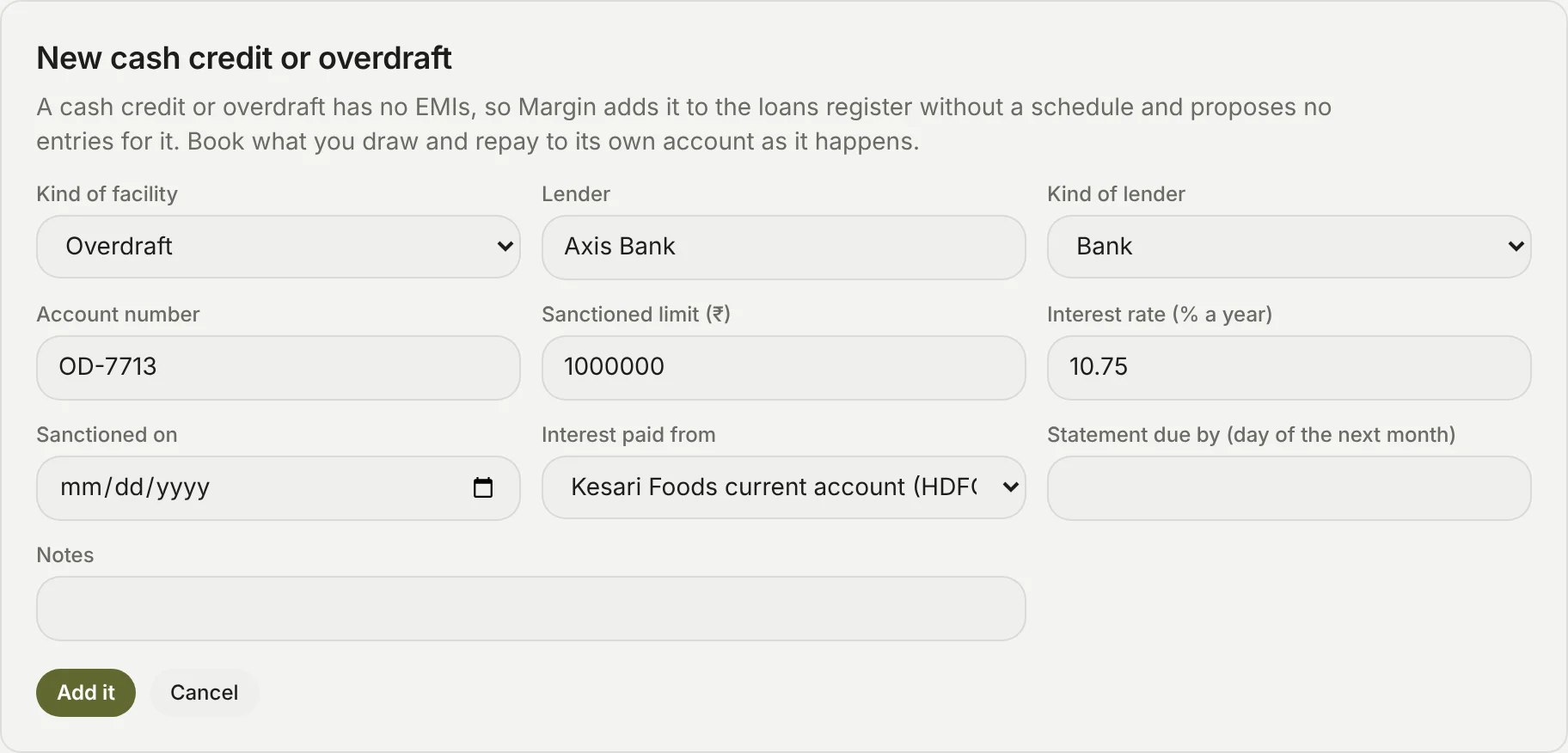
How do I add a cash credit or overdraft?
- In Lender tools, click Add a cash credit or overdraft.
- Choose Cash credit or Overdraft, then fill in the lender, the kind of lender, the account number, the sanctioned limit, the interest rate, the day it was sanctioned, the bank account the interest is paid from (one linked to the books) and the day of the next month its statement is due by.
- Click Add it, and type the six-digit code Margin emails you.
Margin adds it to the loans register in Books → Loans without an EMI schedule, and proposes no entries for it: book what you draw and repay to its own account as it happens. Then set up its stock and debtors statement on its page.
A loan already in the register can become one: on its page, choose Cash credit or Overdraft under Kind of facility and click Save. If it has EMIs still to come, Margin asks for the code first, takes them off the loans register and says how many: "A cash credit or overdraft has no EMIs, so its 12 upcoming EMIs in the loans register were taken off."
In the covenants, a cash credit or overdraft counts in full as a current liability for the current ratio, and as debt for debt to tangible net worth. With no EMIs, none of it is debt service for a DSCR.