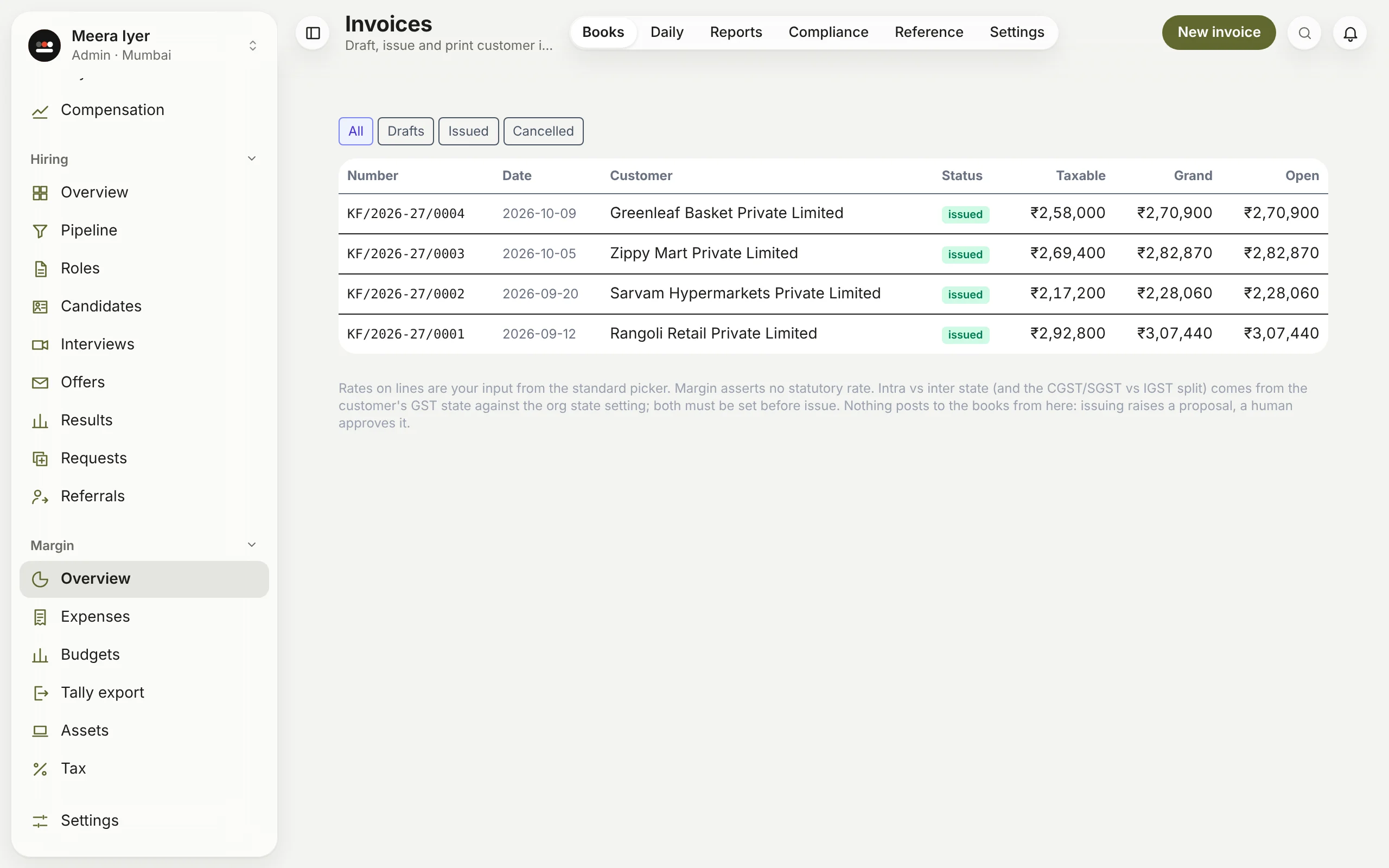
How do I raise a sales invoice?
In Books → Invoices, make a draft: the customer, dates and lines (description, HSN or SAC, quantity, unit, price and GST rate). When you issue it, Margin gives it the next number in your series and splits GST into CGST and SGST or IGST, from your state and the customer's. Issuing raises an entry in the Review inbox; it reaches the books once approved.
Your first invoice needs a series: a prefix such as INV and the financial year, so numbers run INV/2026-27/0001 and on. Each series belongs to one of your company's GST registrations; if you have more than one, pick which. If your company has no GST registration yet, Margin asks you to add it under Settings → Companies first.
Issued invoices, less credit notes, are your revenue in the P&L, the board pack and your GST returns.