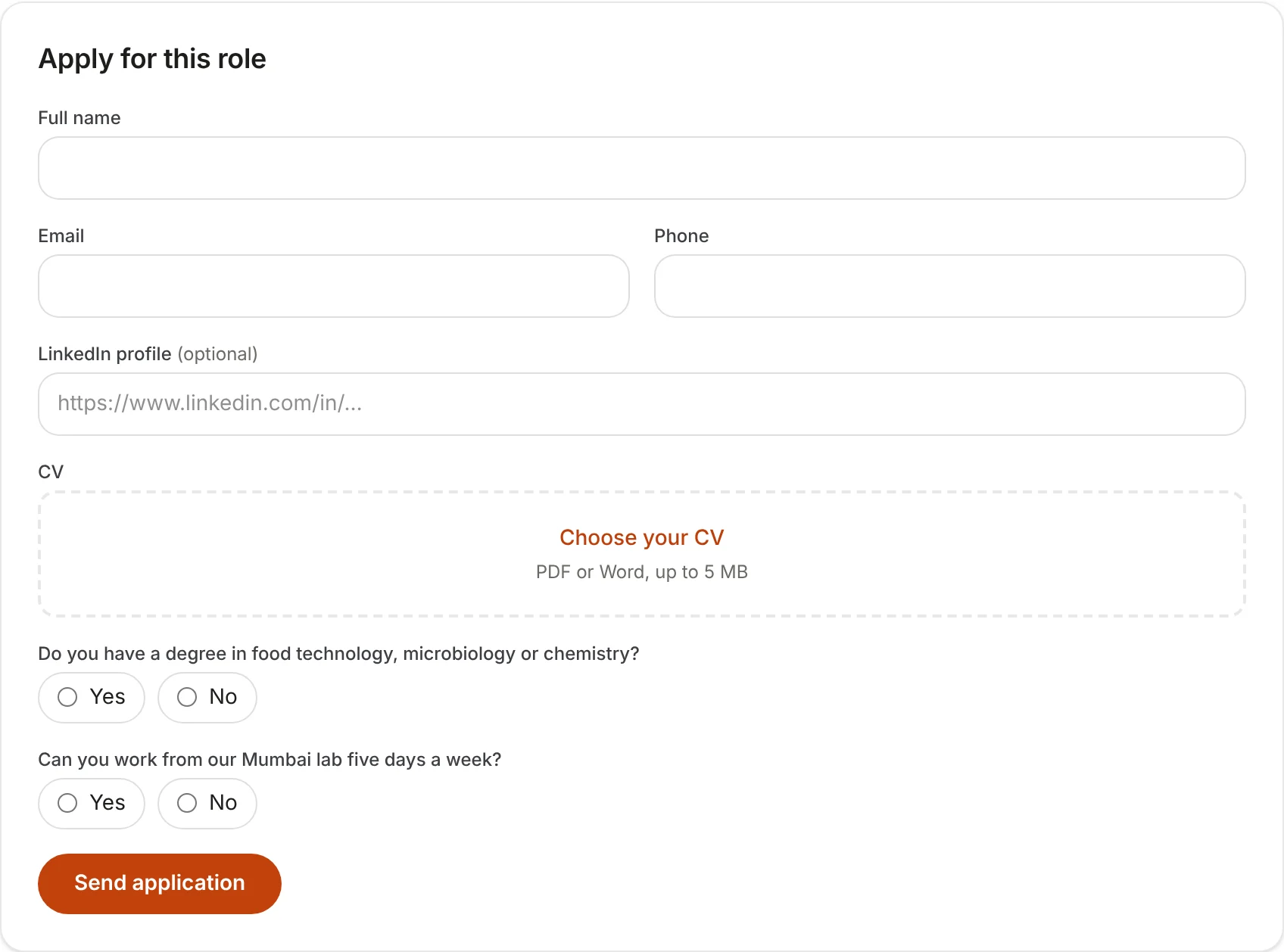
How do pre-screening and knockout questions work?
On a role's form, under Pre-screening questions, click Add question. Write the question, choose the answer type (short text, yes or no, multiple choice with at least two options, or a number), and say whether it's required. Your careers page asks them when someone applies for that role.
To screen people out, switch on Knockout question and type the answer that passes. A knockout question always has to be answered, and candidates never see which questions knock out or what passes. Capitals and spaces don't matter, but a number has to be exactly the one you typed: if the answer that passes is 2, an answer of 3 doesn't pass.
An application that fails a knockout question comes in already rejected, with the reason (for example, Did not pass the knockout question "Can you work from our Mumbai lab five days a week?" (answered "No")), and stays out of the pipeline. Masthead doesn't email the candidate; you can still send a rejection yourself. You'll find them among rejected candidates, and every answer shows under Pre-screening answers on the candidate's page.