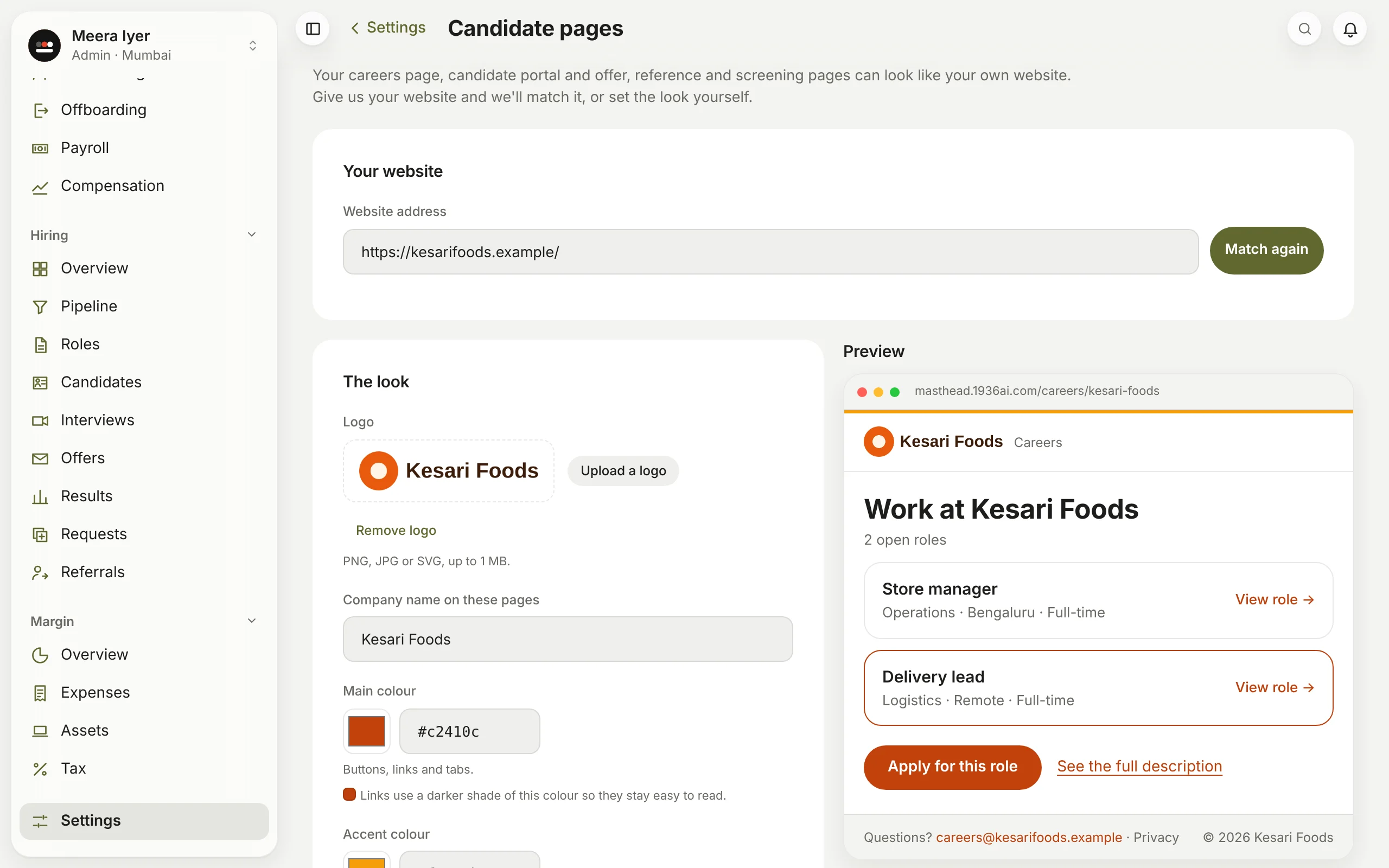
Can my careers page look like my website?
Yes, and so can every page candidates see: their own page, offers, references and screening calls.
- Open Settings → Candidate pages (or Give it the look of your website on Hiring → Roles).
- Type your website's address and click Match my website. Masthead reads your home page (10 to 30 seconds) and finds your logo, colours, font, a contact email and your privacy policy, beside a preview.
- Change anything you like: upload another logo (PNG, JPG or SVG, up to 1 MB), pick colours or a font, or type a different email or link.
- Click Save. Every candidate page shows the new look at once.
Masthead keeps text readable whatever colours you choose. Reset to Masthead's look takes it away again. You can match your website up to 10 times an hour.