How do I add a role?
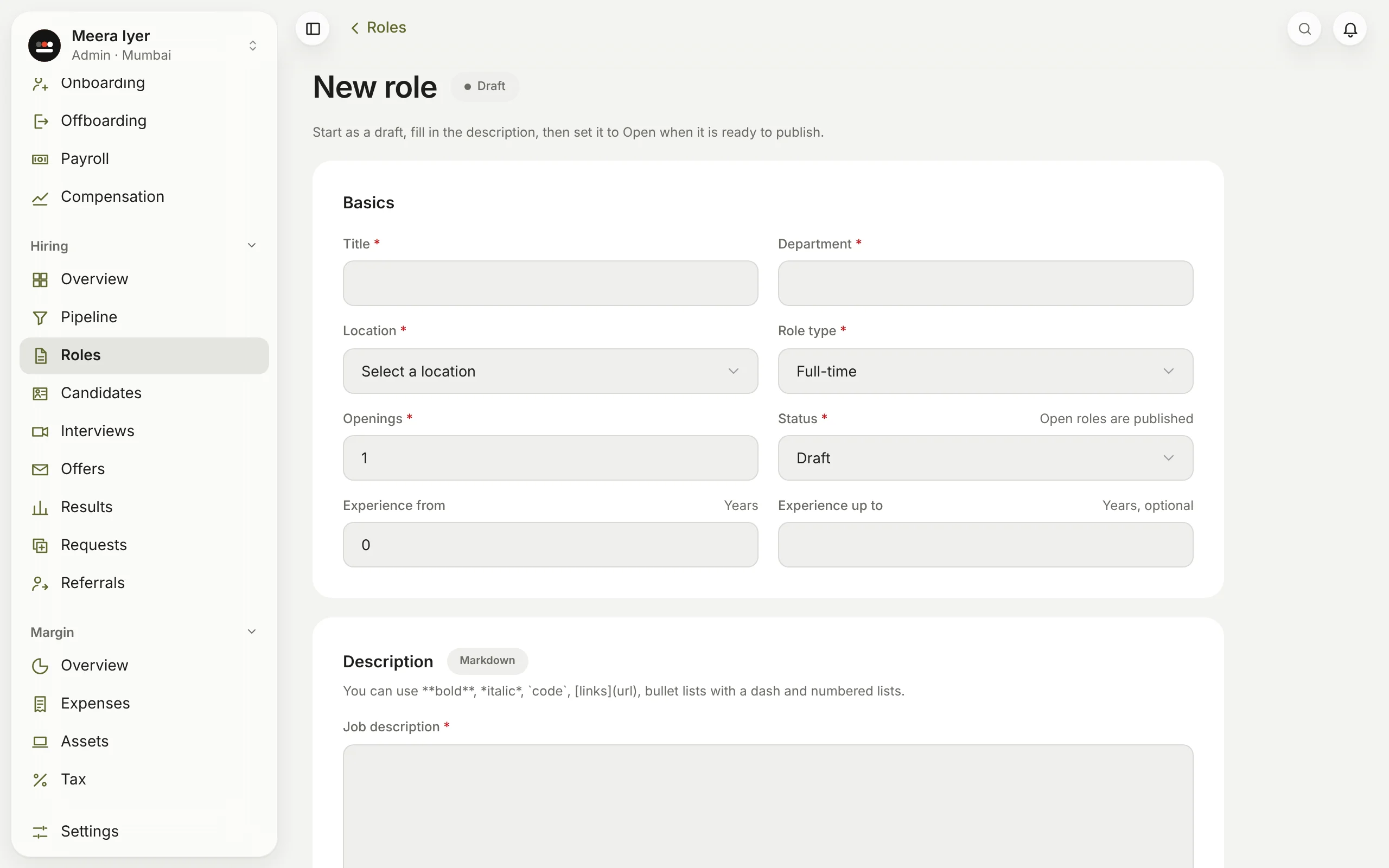
- In Hiring → Roles, click New role.
- Fill in the title, department, location, type, openings and experience, and write the job description, responsibilities and requirements. Bold, lists and links work.
- Add a salary range if you like; it is for your team only and never shown to candidates.
- Choose the hiring manager and recruiter, and click Create role.
Start it as a draft and set it to Open when it's ready.