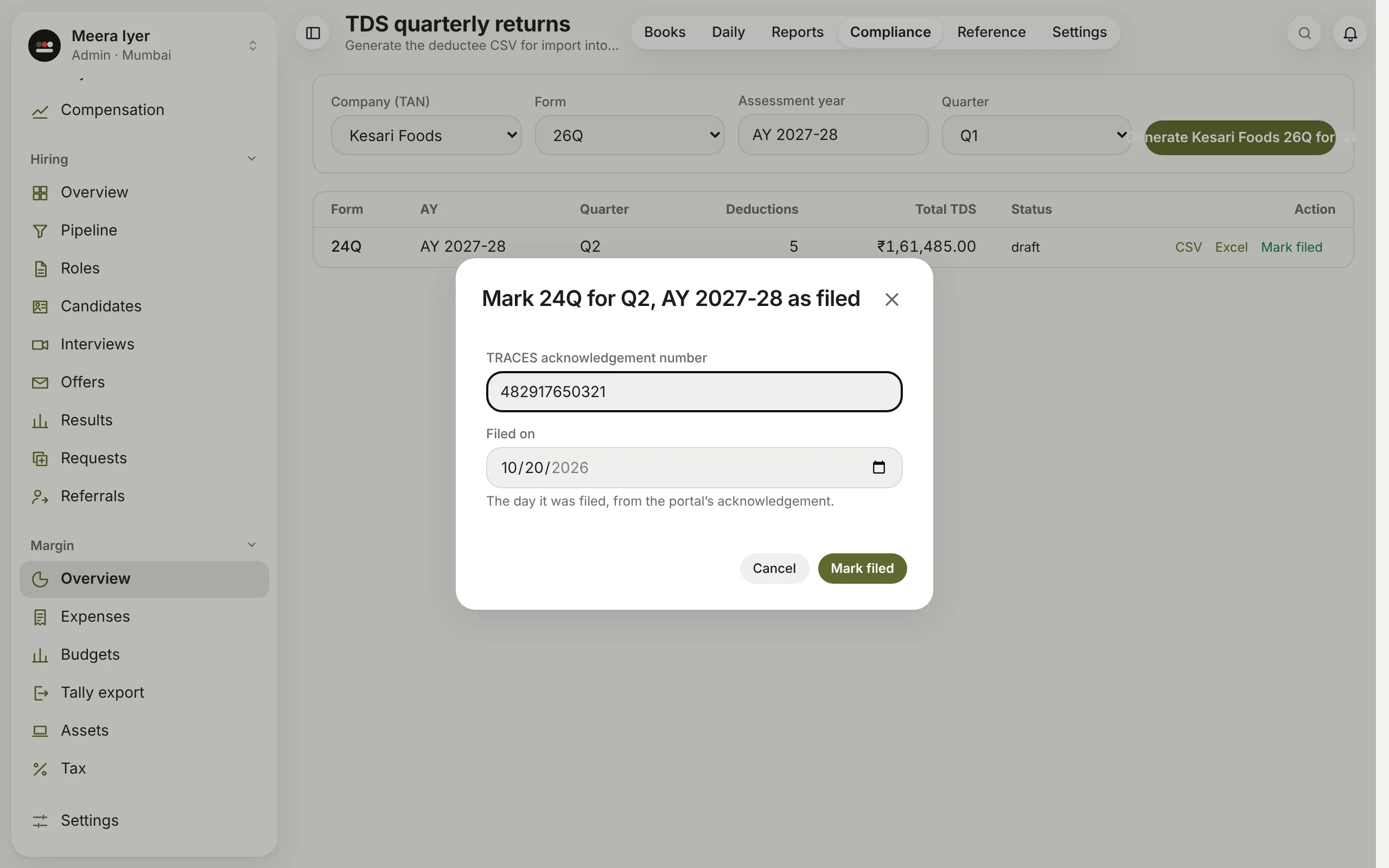
How do I mark a TDS return as filed?
- In Compliance → TDS returns, click Mark filed on the return's row.
- Type the TRACES acknowledgement number.
- Set Filed on, the day it was filed, from the acknowledgement.
- Click Mark filed.
The return then shows as filed, with its acknowledgement. A return marked filed can't be changed on this page; to correct its day, record that quarter on the Compliance page.