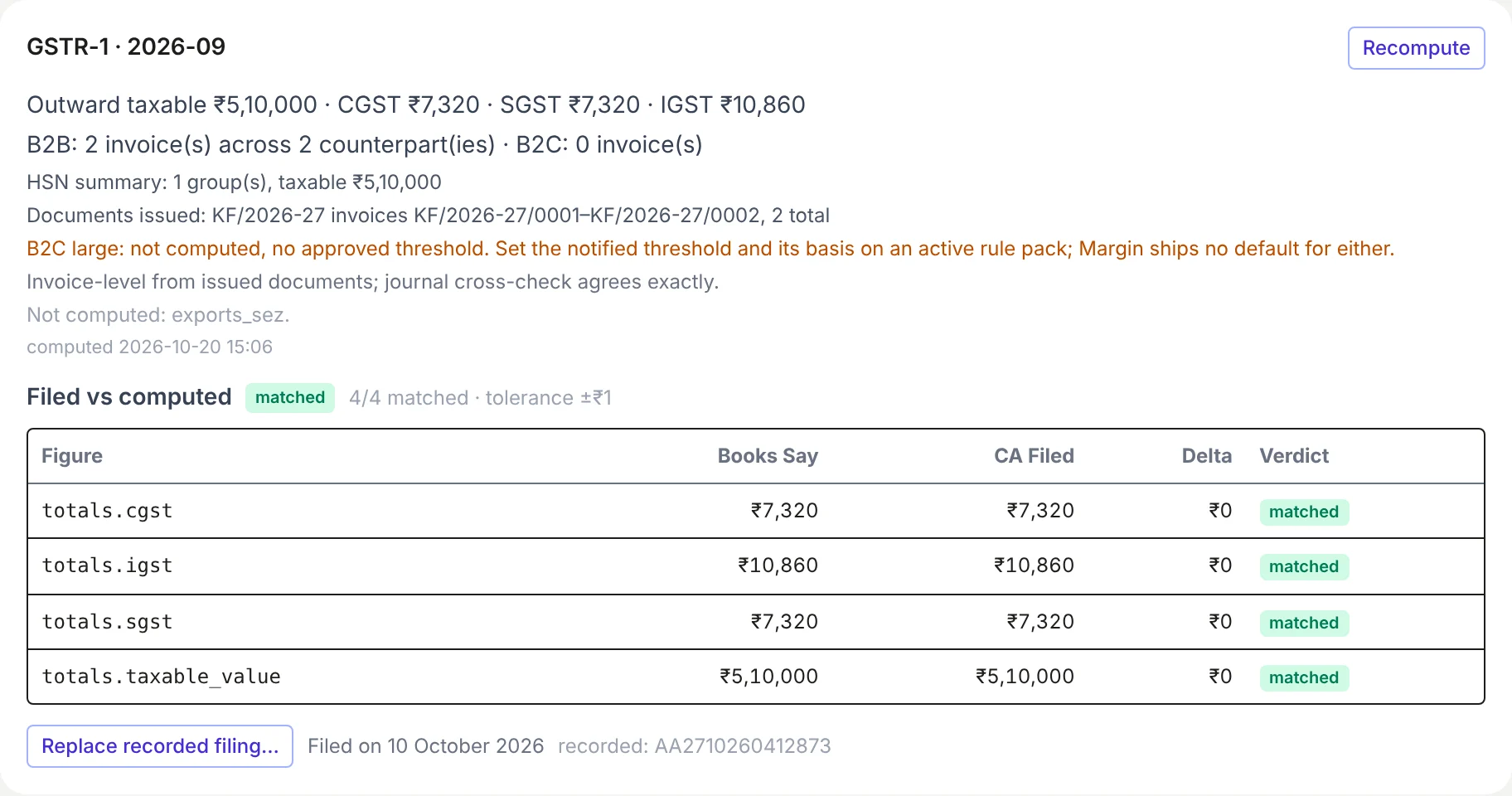
How do I add the filed date to a return recorded earlier?
Returns recorded before Margin asked for Filed on have only the day they were recorded. The GST and TDS returns record shows that day, marked: "Recorded by the due date", which means it was filed on time, or "Recorded 3 days after due", which counts as neither on time nor late, since it may have been filed on time and recorded later. Its Summary sheet says how many there are.
To give a return its real day:
- On Books → Compliance, click the return in the grid, then Replace recorded filing….
- Enter the filed figures again (Start from computed totals, then change any that differ), the ARN again, and Filed on.
- Tick replace the existing recorded filing and click Record + diff.
A TDS return already marked filed on the TDS returns page can't be marked again. Record that quarter on the Compliance page with its Filed on instead: the record takes the day from either page, the earlier if both have one.