How do I prepare a TDS return?
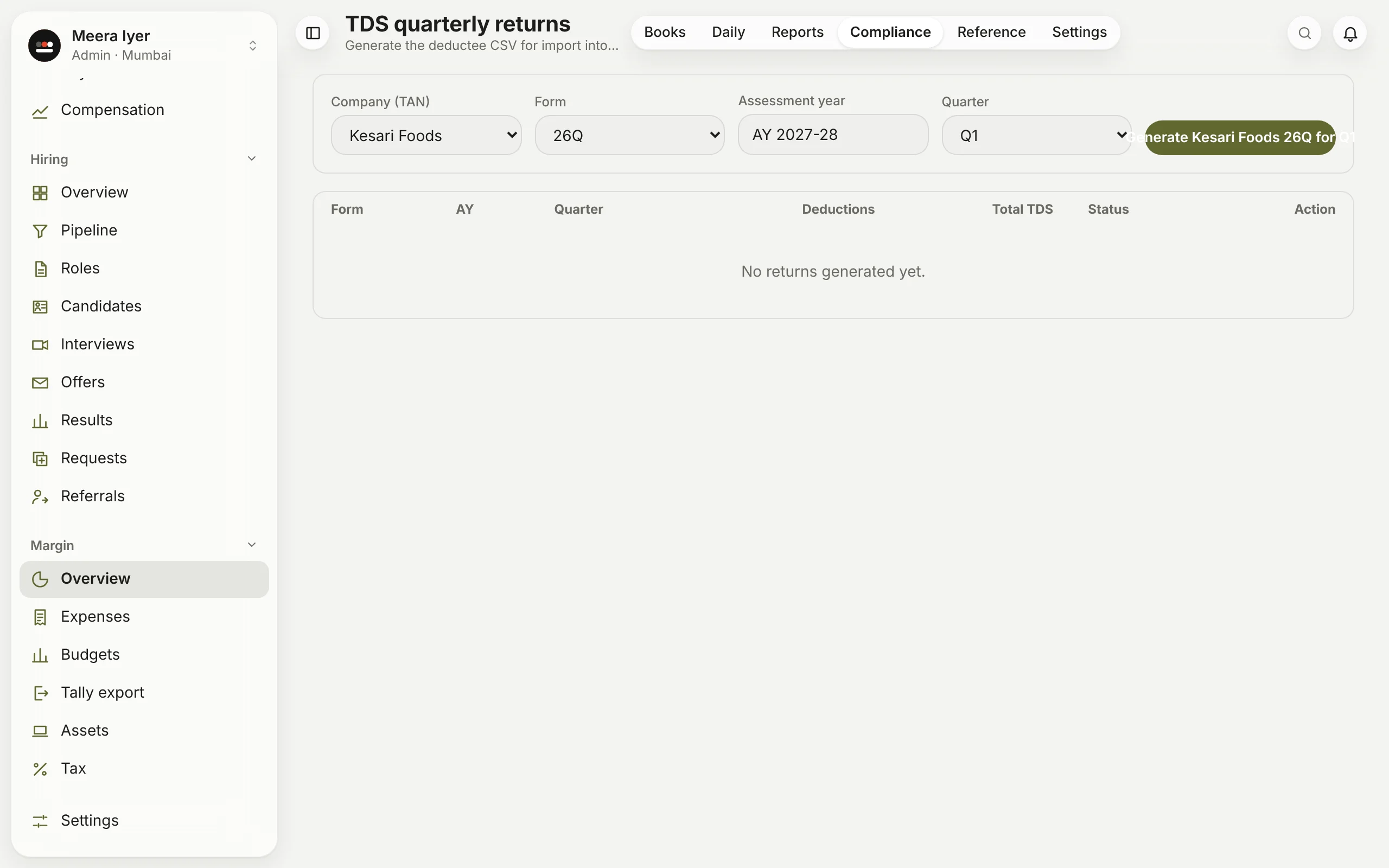
In Compliance → TDS returns, choose the company, the form (26Q for vendors, 24Q for salaries), the assessment year and the quarter, and click Generate. Give the file to your CA to check and file.
In Compliance → TDS returns, choose the company, the form (26Q for vendors, 24Q for salaries), the assessment year and the quarter, and click Generate. Give the file to your CA to check and file.
Still stuck? Write to hello@1936ai.com and a person will answer.