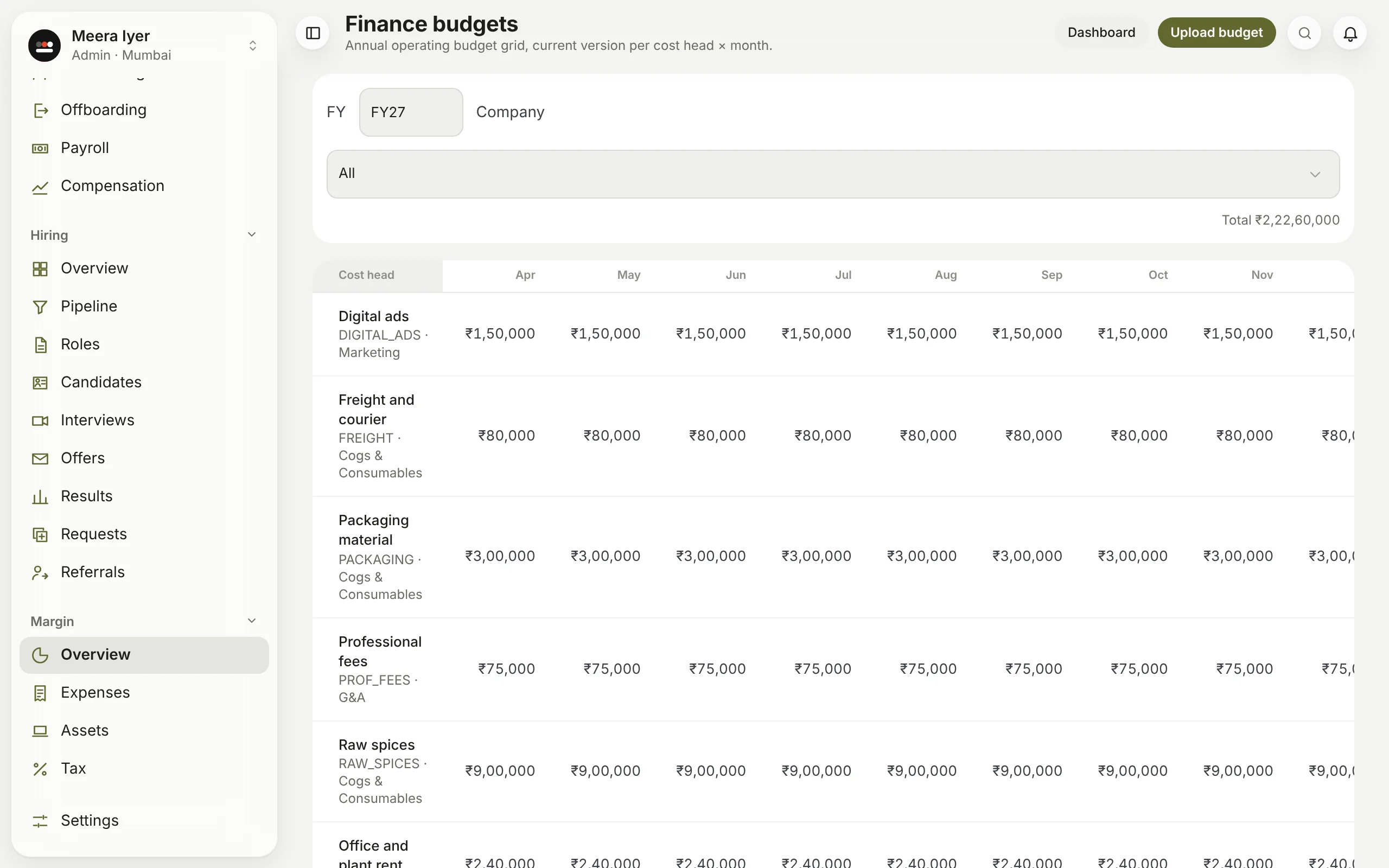
How do I upload a budget?
Open Daily → Dashboard and click Budgets (or search for it with ⌘K or Ctrl+K). Choose the financial year, download the template (one row for each cost head, a column for each month), fill in the rupees and upload it. It drives the dashboard's variance, and stops spending over budget without an approved exception. Upload again to revise it; each upload is kept.