Which documents does each product send, and where do they go?
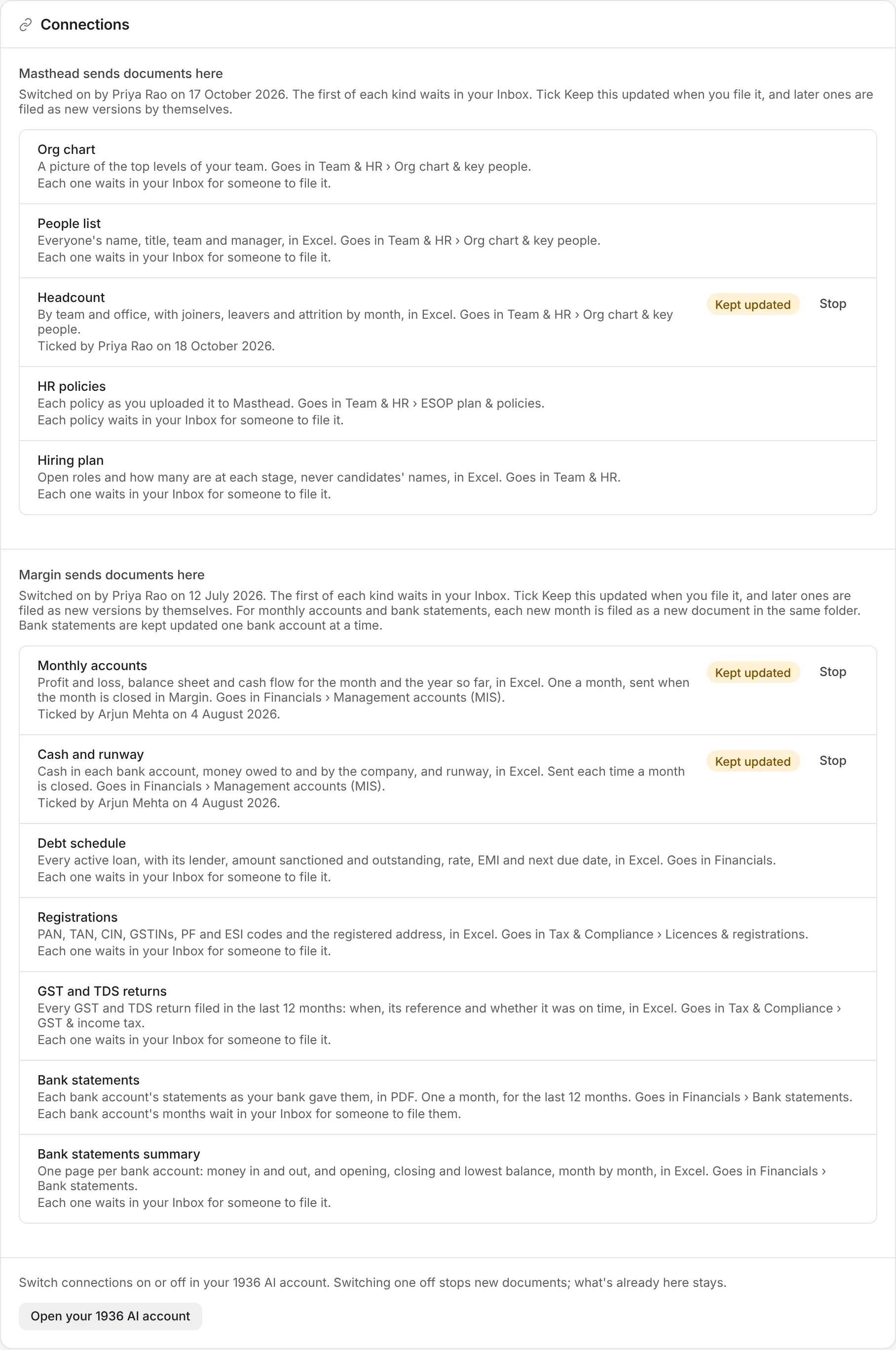
From Masthead
| Document | What it is | Where it goes |
|---|---|---|
| Org chart | A picture of the top levels of your team. | Team & HR › Org chart & key people |
| People list | Everyone's name, title, team, office and manager, in Excel. | Team & HR › Org chart & key people |
| Headcount | By team and office, with joiners, leavers and attrition by month, in Excel. | Team & HR › Org chart & key people |
| HR policies | Each policy everyone in your company may read, as you uploaded it to Masthead: PDF, Word or Markdown. | Team & HR › ESOP plan & policies |
| Hiring plan | Open roles and how many people are at each stage, never candidates' names, in Excel. Only when your Masthead plan includes hiring. | Team & HR |
From Margin
| Document | What it is | Where it goes |
|---|---|---|
| Monthly accounts | Profit and loss, balance sheet and cash flow for the month and the year so far, in Excel. One a month, sent once the month is closed in Margin. | Financials › Management accounts (MIS) |
| Cash and runway | Cash in each bank account, money owed to and by the company, and runway, in Excel. Sent when a month is closed. | Financials › Management accounts (MIS) |
| Debt schedule | Every active loan: its lender, the amount sanctioned and outstanding, the rate, the EMI and the next due date, in Excel. | Financials |
| Registrations | PAN, TAN, CIN, GSTINs, PF and ESI codes and the registered address, in Excel. | Tax & Compliance › Licences & registrations |
| GST and TDS returns | Every GST and TDS return of the last 12 months: when it was filed, its reference and whether it was on time, in Excel. | Tax & Compliance › GST & income tax |
| Bank statements | Each bank account's statements as your bank gave them, in PDF. One a month, for the last 12 months. | Financials › Bank statements |
| Bank statements summary | One page per bank account: money in and out, and the opening, closing and lowest balance, month by month, in Excel. | Financials › Bank statements |
The folders are the ones the fundraising template makes, and a room without one gets it made. Move a document to another folder and later versions follow it. Investors open Excel files in Galley as spreadsheets, and download the file itself if they can download.