How do I add someone to Masthead?
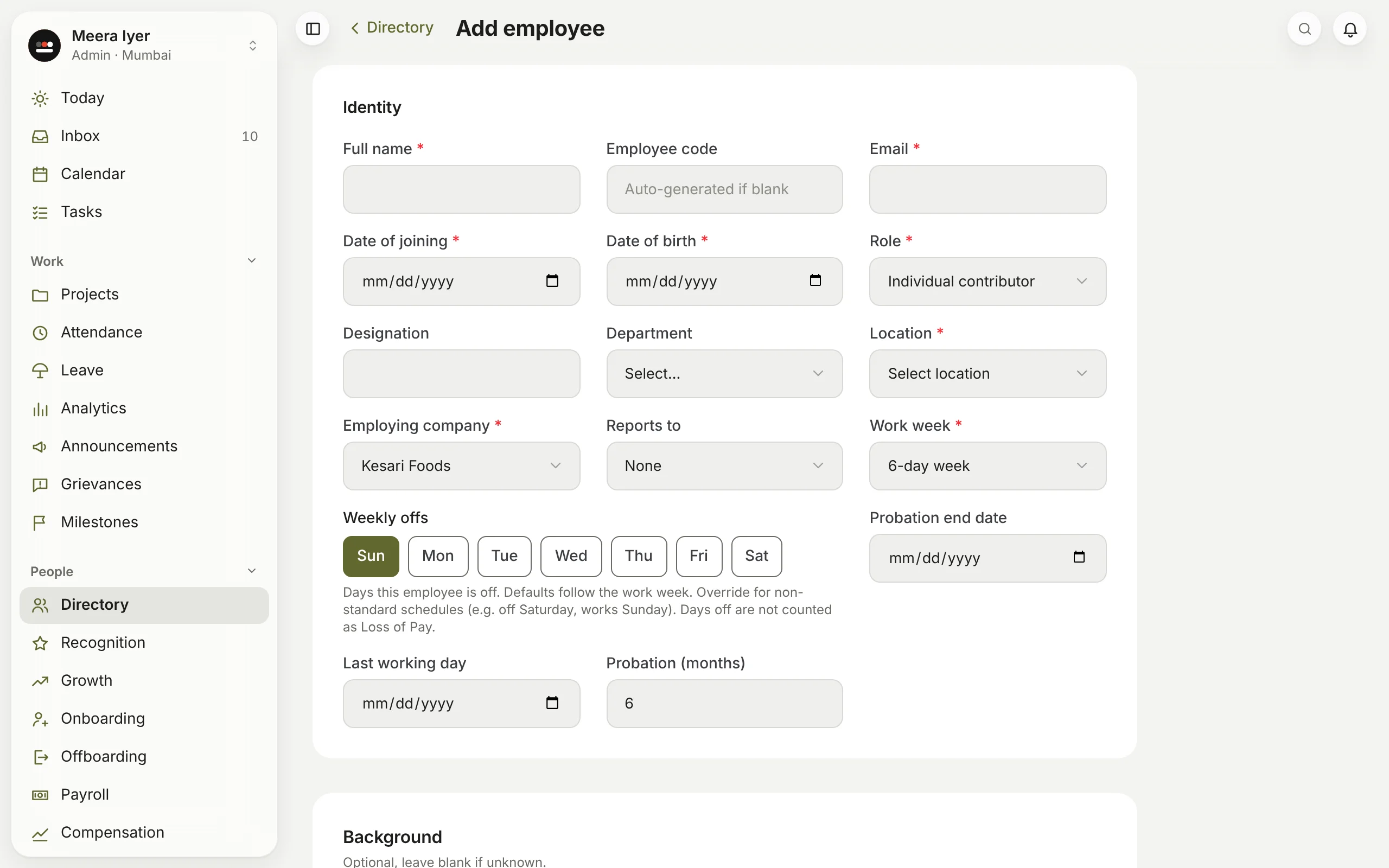
- In Directory, click Add employee.
- Fill in their name, work email, dates of birth and joining, role, location and work week. Add their department, designation and who they report to.
- Under Background, add their last company and prior experience if you know them. Both are optional; Masthead uses them when it compares an offer with people already in the role.
- Add their bank details, PAN and salary now or later; payroll in Margin needs them.
- Click save. Masthead shows the employee code it made.
- Within a few minutes they can sign in with 1936 AI using that email. There is no password to pass on.
Admins and HR can add people.