How do I run payroll?
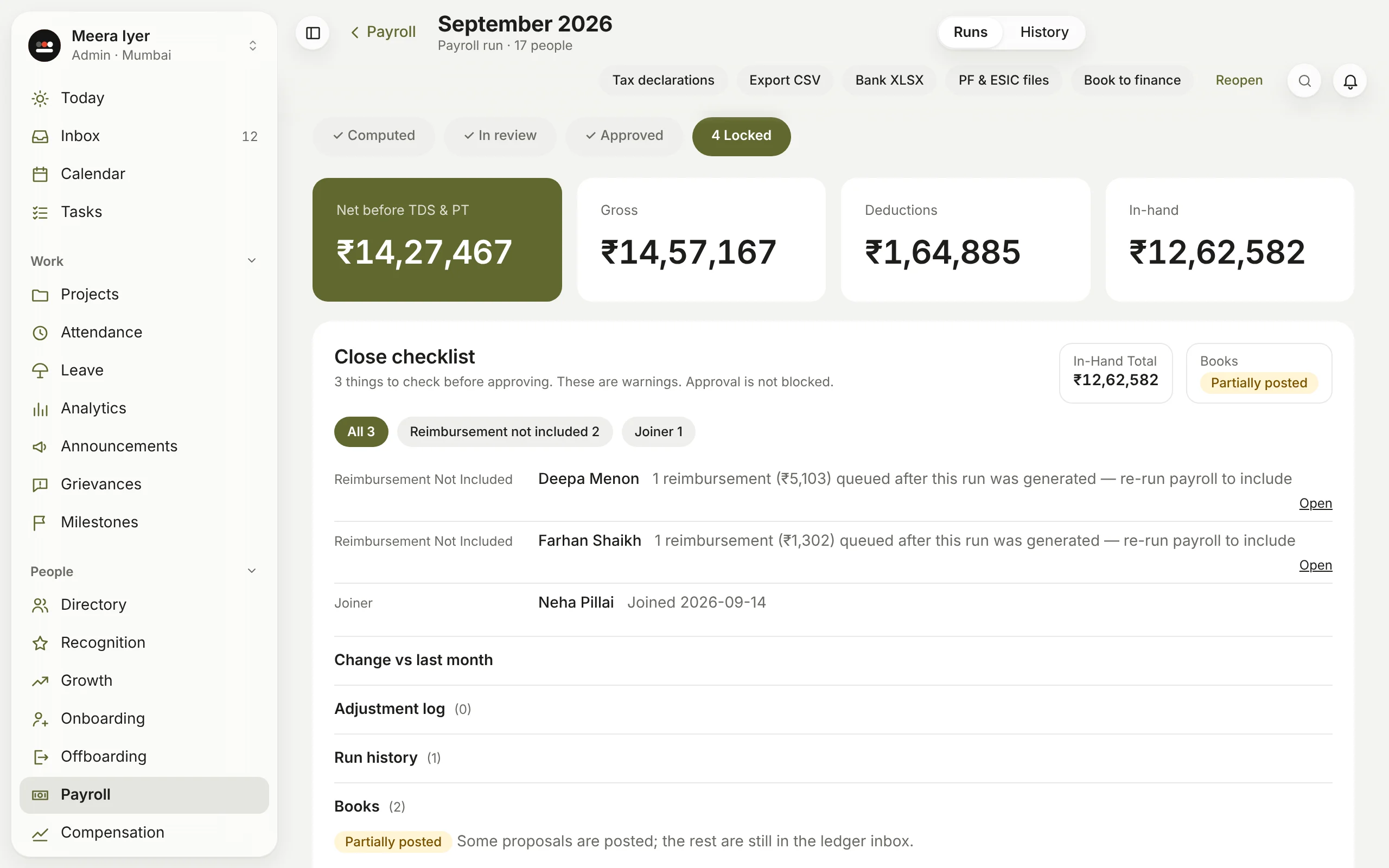
- In Payroll → Runs, click New payroll run, choose the month and click Generate payroll.
- Margin works out each person's pay from their salary structure, attendance and leave: gross, PF, ESI, professional tax, TDS and in-hand.
- Check the Close checklist: missing PAN or bank details, joiners and leavers, pending leave, claims not included, and the change from last month. These are warnings; they don't stop you.
- Fix anything on a person's line, then click Approve & lock.
If something changed after you generated it, Re-run payroll works it out again.